
A hot-runner defect should be traced through the melt path before the manifold or nozzle is blamed. A gate mark, drool, stringing, short fill, color streak, or unstable shot can come from temperature control, material condition, gate geometry, venting, process settings, or a combination of factors. Record where and when the symptom appears, then compare it with cavity and process evidence.
Read the defect pattern first
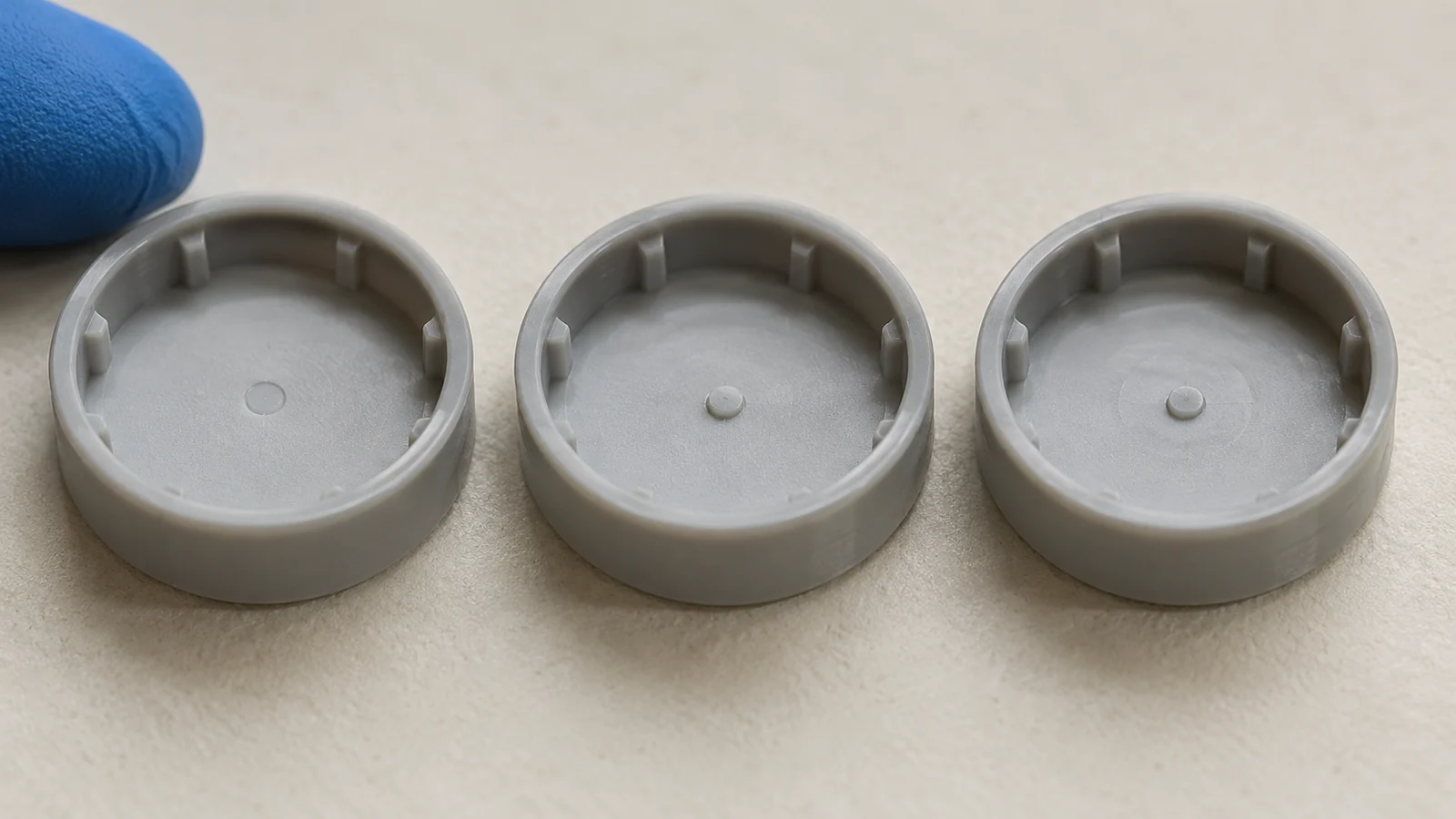
Map the defect to a location: at the gate, along a flow front, around a weld line, at a vent, or across the full part. Then check whether the issue affects every cavity, one cavity, or only certain cycles. A stable location-specific pattern suggests a local gate, vent, or tool condition; a shot-wide change may point to material, machine, or thermal conditions. These clues guide investigation but do not identify the root cause by themselves.
| Observed symptom | Evidence to review | First caution |
|---|---|---|
| Drool or stringing near a gate | Gate condition, shutoff behavior, temperature records, residence and material history | Do not reduce all temperatures before confirming the material and system requirements. |
| Short fill or inconsistent fill | Shot consistency, pressure response, flow path, vent condition, gate restriction | Do not assume the hot-runner system is the only source. |
| Color streaks or degraded-looking material | Material changeover, residence, contamination, drying and thermal history | Appearance alone cannot establish degradation. |
| Uneven gate vestige | Gate geometry, cooling, shutoff, local part and tool condition | Check whether the variation repeats by cavity. |
Check thermal conditions without guessing
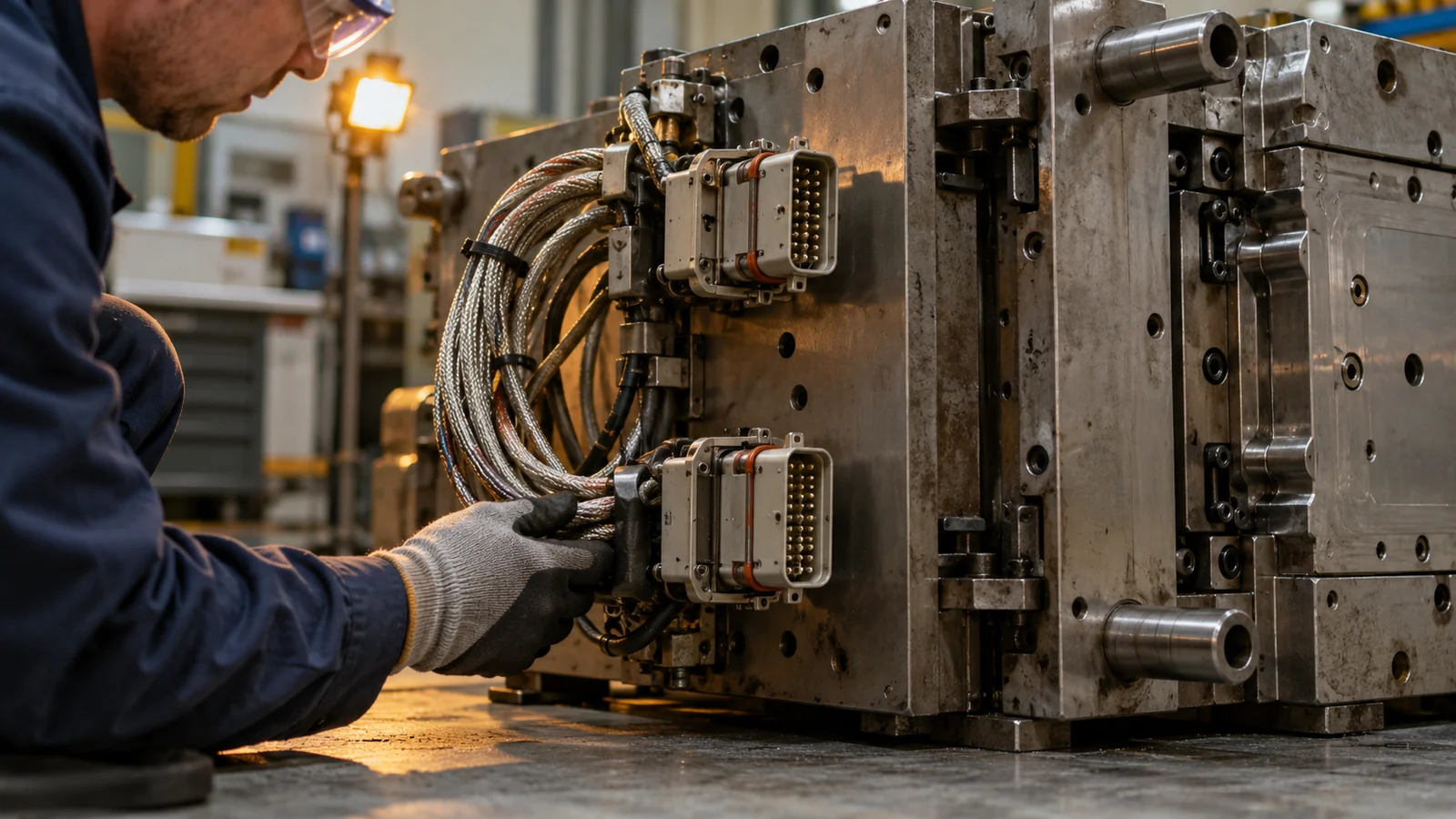
Compare actual system readings and alarm history with the material and hot-runner supplier’s documented operating guidance. Distinguish a displayed setpoint from the temperature measured at a relevant location, and confirm that sensors, connectors, and heater zones are functioning as intended. Do not invent a universal temperature range: resin grade, system design, and application affect the appropriate conditions.
Look for a change in the symptom after startup, a material changeover, a long pause, or a process adjustment. Unusually long residence or repeated purging may matter for some materials, but the diagnosis requires the actual resin history and equipment records. If the evidence is unclear, preserve samples and consult the approved material and system documentation before changing the thermal plan.
Separate gate behavior from part filling
Gate issues can appear as drool, stringing, vestige variation, or local filling differences. Inspect the gate area for wear, obstruction, damage, contamination, or a mismatch between the part geometry and gate design. If the system uses a valve gate, confirm timing, actuation, and shutoff evidence rather than assuming the valve pin alone is responsible.
Vent condition and downstream flow can imitate a hot-runner problem. A blocked vent, restrictive part feature, or inconsistent shot may create incomplete fill even when the melt path is operating normally. Compare a good and a defective sample at the same cavity and review the full path from nozzle to gate to part.
A troubleshooting sequence for hot-runner defects
- Describe the defect precisely and mark its location on the part.
- Record whether it is cavity-specific, cycle-specific, or present across the shot.
- Check resin identity, drying record where applicable, colorant, changeover, and material handling.
- Review machine and hot-runner alarms, zone readings, startup, pauses, and recent changes.
- Inspect gates, vents, and accessible tool surfaces for condition or obstruction.
- Change one controlled variable at a time, then compare samples from all affected cavities.
If correcting one symptom creates a different defect elsewhere, return to the evidence rather than stacking compensating adjustments. A process log that records both the change and its result is more useful than a list of unverified “fixes.”
What to record after correction
Document the final material and system configuration, relevant settings, cavity identity, startup conditions, observed defect limits, and inspection method. Record what was changed in the tool or process and how the correction was verified. This creates a baseline for future maintenance and makes recurrence easier to diagnose.
For the broader hot-runner tooling route, assess system design, gates, maintenance access, and process control together. A defect is resolved only when the part meets its acceptance criteria consistently under the approved production conditions.
FAQ
Does a gate defect always mean the hot runner is faulty?
No. Gate geometry, material condition, process settings, venting, and downstream part design can produce similar symptoms. Locate the defect and compare its cavity and cycle pattern before assigning a cause.
Should I change hot-runner temperature to stop drool?
Only after confirming the material and system guidance and reviewing actual readings, gate behavior, and process history. A universal temperature adjustment may create new filling or material-quality problems.
How do I know if the issue is cavity-specific?
Preserve cavity identity on samples and compare repeated observations across cycles. One outlier is not enough to distinguish a stable cavity pattern from random process or measurement variation.