
Low-pressure molding design guidelines begin with the assembly, not the outer shape of the encapsulation. The mold must support fragile electronics, control where hot melt flows, protect electrical interfaces, and create a repeatable boundary around the finished component. Before drawing the cavity, mark keep-out zones, cable exits, sealing surfaces, and the regions that must remain exposed.
Design around the complete assembly
Provide a current assembly model that includes the PCB, connector, terminals, cable insulation, sensor, existing coatings, and any adhesive or seal. The surrounding mold cavity must locate the assembly without loading components that can bend, crack, or move. Identify unsupported wires and joints that need support during molding.
Include the actual materials and surface conditions in the review. A change in cable jacket, housing resin, coating, or surface finish can affect adhesion and fit. Do not assume that a nominal CAD boundary captures every tolerance or flexible feature; show the allowed part variation and how it will be restrained.
Define the encapsulation boundary
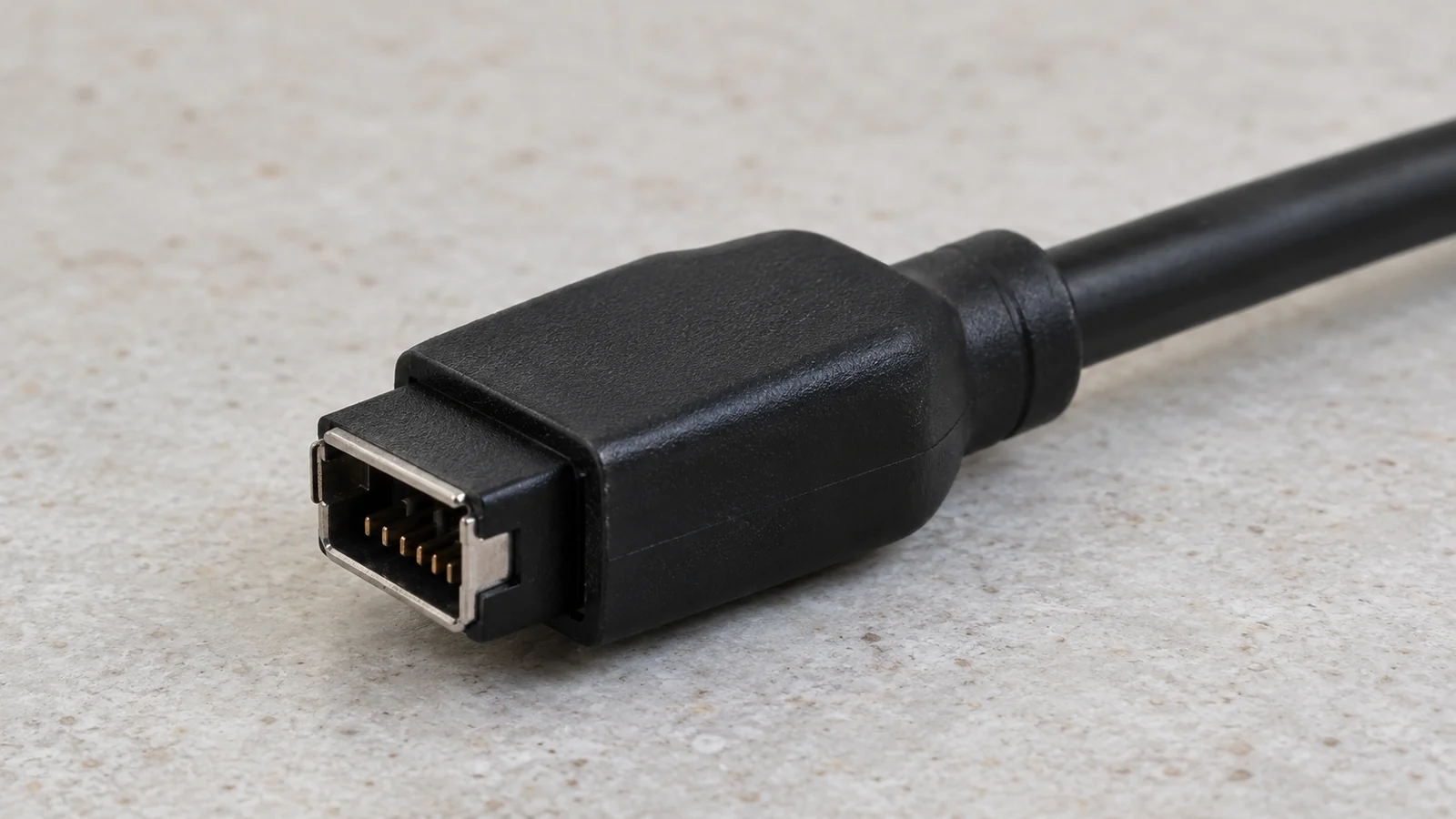
Mark where coverage is required and where it is prohibited. Keep connector mating faces, terminals, test points, optical openings, vents, and service interfaces clear if the product function requires it. Define the desired termination edge and any transition to a cable or housing. A vague “cover this area” note can lead to excess flash, blocked features, or inconsistent protection.
Consider shutoffs and parting lines in relation to the assembly. The tool must close around wires, connectors, and other irregular geometry without pinching or damaging them. If the boundary crosses a flexible cable or a changing diameter, review how the assembly will be located and sealed in the tool.
Support delicate components during fill
Low-pressure molding is used to encapsulate electronic assemblies with low-pressure hot-melt materials, but the label does not mean every component is immune to force or heat. The actual material, temperature, flow, cavity geometry, and assembly support determine the load on a fragile feature. Identify what can move and how the mold will support it.
Where the assembly includes a heavy connector, cantilevered board, fine wire, or exposed solder joint, plan locating features and a flow path that avoid pushing the component out of position. Use representative assemblies in a trial to check movement and damage rather than relying only on an ideal CAD model.
Plan gates, vents, and service access
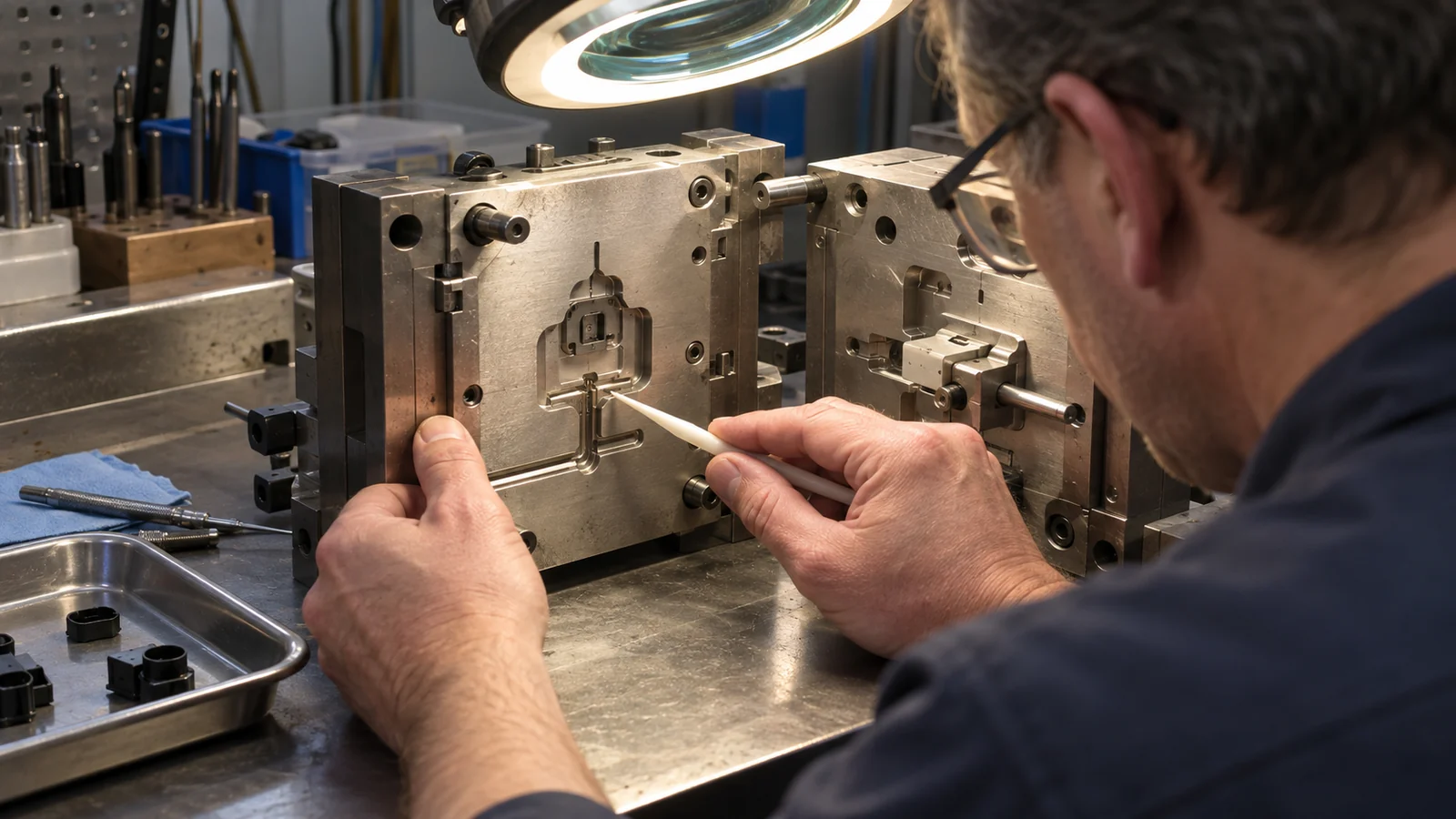
Gate location affects how material enters the cavity and reaches around the assembly. Place it with the component’s keep-out areas, cable routing, desired coverage, and potential air traps in mind. Venting should let displaced air escape from the actual fill path while avoiding unwanted flash onto functional surfaces.
Design the tool for cleaning and repeatable loading. An operator should be able to locate the assembly consistently and confirm that cables and connectors are in the intended position. Include access to inspect shutoffs and remove any permitted flash without damaging the protected component.
Review the design before tooling
| Review item | Question |
|---|---|
| Keep-out map | Are all interfaces that must remain exposed clearly identified? |
| Assembly restraint | Can fragile parts and cables stay located through loading and molding? |
| Material interface | Are all substrates and surface conditions known and included in adhesion testing? |
| Flow and venting | Can material reach required coverage while air escapes and critical surfaces stay protected? |
| Inspection and rework | Can coverage, flash, movement, and damage be checked without harming the assembly? |
Resolve open items with an assembly review and a trial plan before finalizing tool details. For the application overview, see low-pressure molding for electronics protection. The design should be judged on the complete encapsulated assembly, not a resin-only plaque.
FAQ
Does low pressure mean the mold can touch any electronic component?
No. Component sensitivity, material temperature, flow path, support, and assembly design still matter. Test a representative assembly and inspect for movement or damage.
Should the gate be placed away from the circuit board?
Gate placement depends on the required coverage, flow path, keep-out zones, venting, and component support. Review the actual assembly rather than applying a universal gate location.
What should be shown on the drawing?
Identify required coverage, keep-out areas, cable exits, critical interfaces, acceptable flash boundaries, and inspection criteria. Include the assembly revision and material details used for design review.